

ABM Campaign Builder
// UX + UI
From 2022 to 2024, my employer, Addapptation, evolved to Propensity. I had the privelege to craft an entirely new core product for our business that represented a departure from our previous brand identity. This project entailed extensive research, strategizing, and implementation to find product-market fit.
Goal
Find a gap in the market, iterate, test, find product-market fit, build the product.
Create a product that allows small marketing + sales teams to run ABM to increase growth without needing to hire extra talent for the job or breaking their budgets.
Roles
Emerson Hobson — UX/UI Design, Graphic Design, Lottie Animation, Video
Sumner Vanderhoof — CEO, Decision-Maker
Carla Vanderhoof — Head of Product
Jason Bean, Thor Kuivanen — Development
Stakeholders
Internal:
• Developers
• Propensity/Addapptation Investors
External:
• Marketing Managers
• Sales Managers
• Business Development Representatives
• Executives
• Data Analysts
• Creative Teams
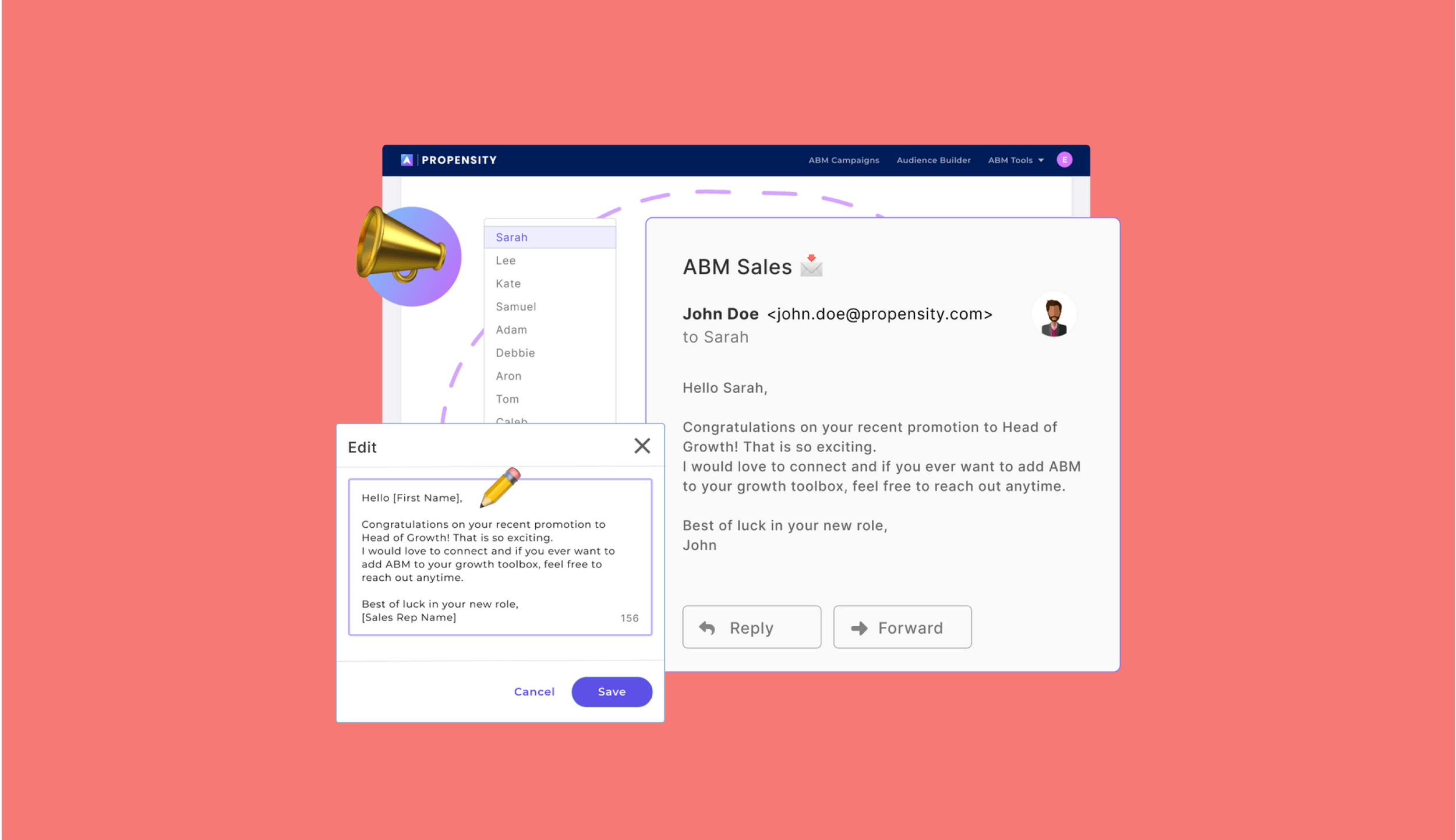
Above is a marketing graphic I created to announce our brand change (before we became Propensity, we were Addappation). I had the exciting privilege to be an integral part of the brand and logo redesign. This video was created in the middle of that time of change.
Problem
Small teams want to run ABM to increase their growth.
Most solutions are too expensive or time-consuming for small teams.
Market + User Research
What’s out there? Who is it for? How can we stand out?
In order to understand how teams are currently solving this problem, our team conducted interviews, then gathered insights through the platform, Condens.
My role:
• Research current competitors
• Write non-leading questions to interview potential users
• Organize research findings in Condens
• Brainstorm strategy with my co-founders
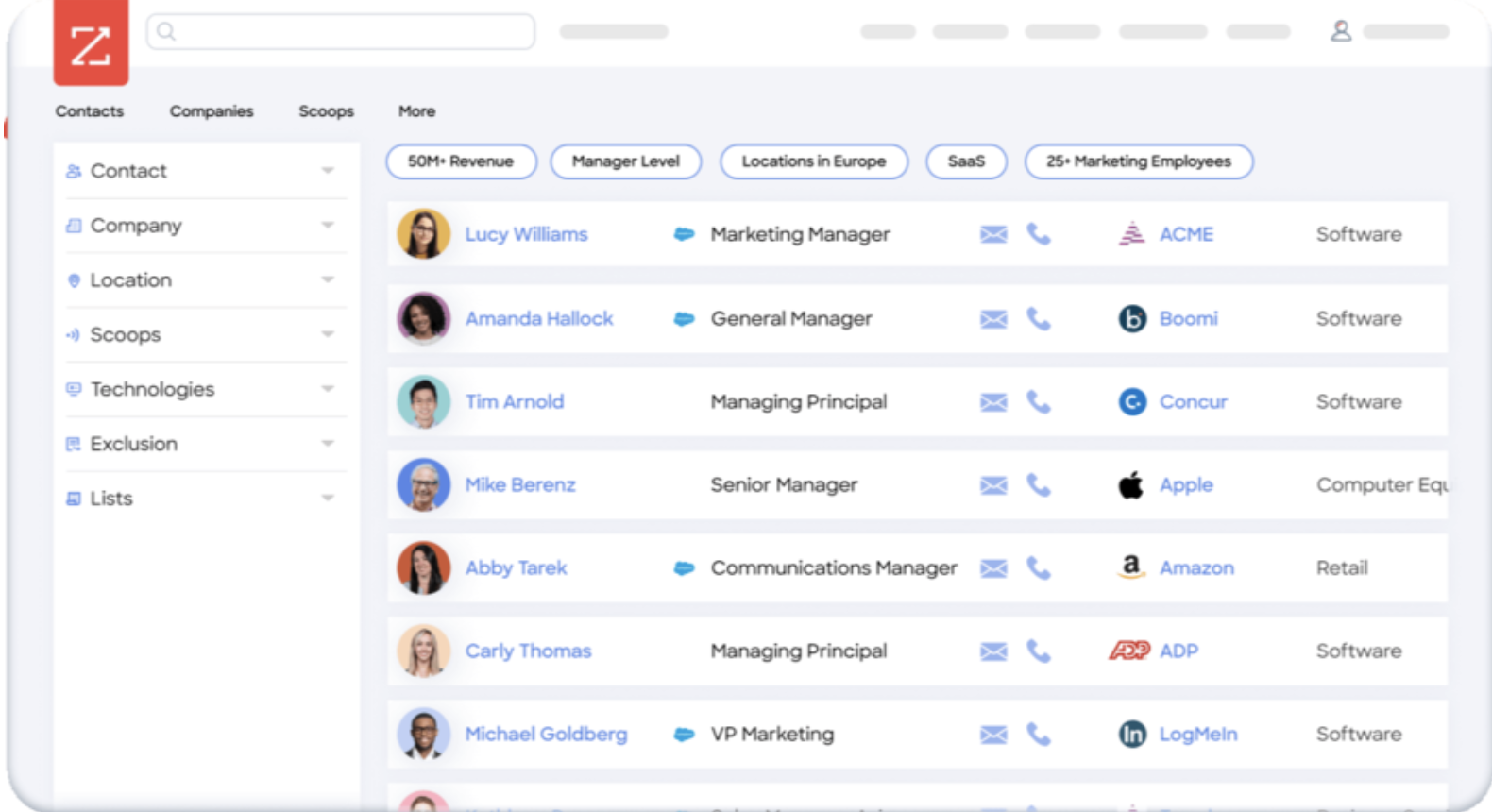
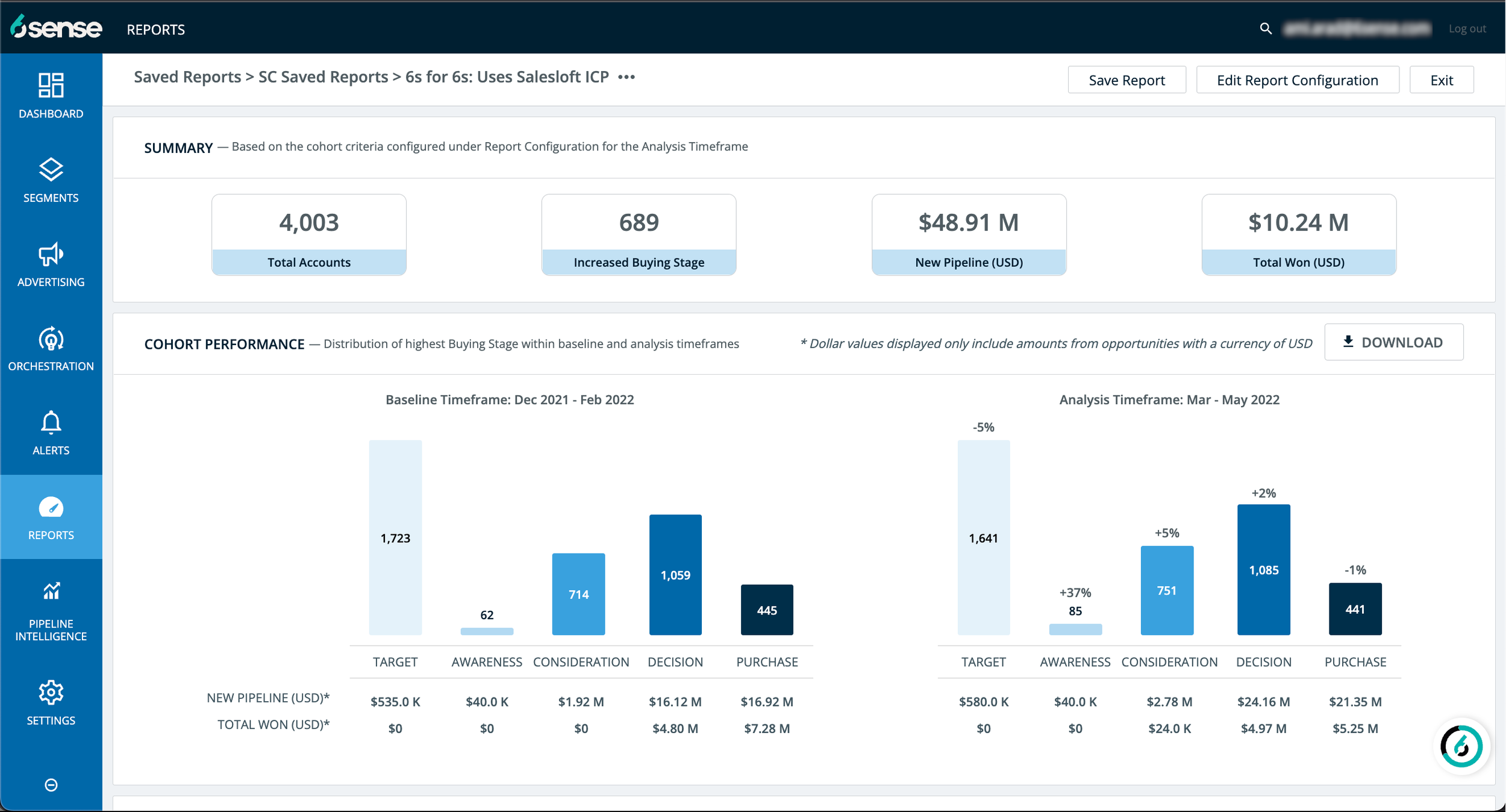
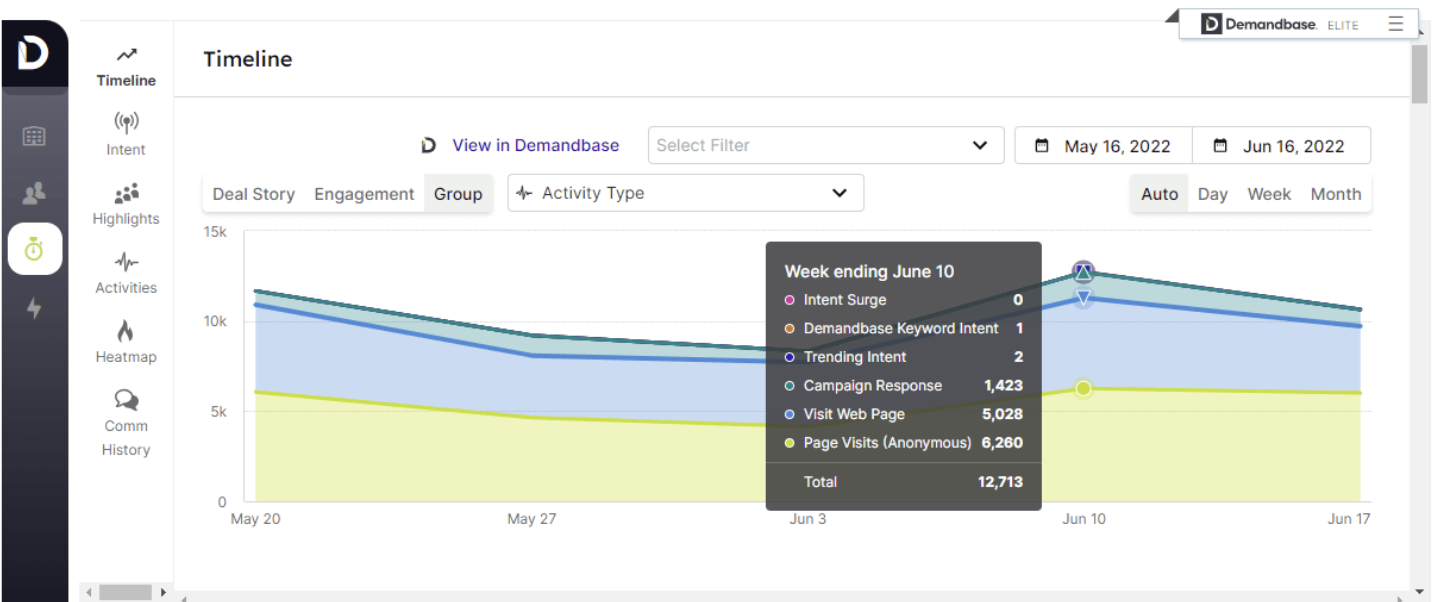
Competitive Analysis:
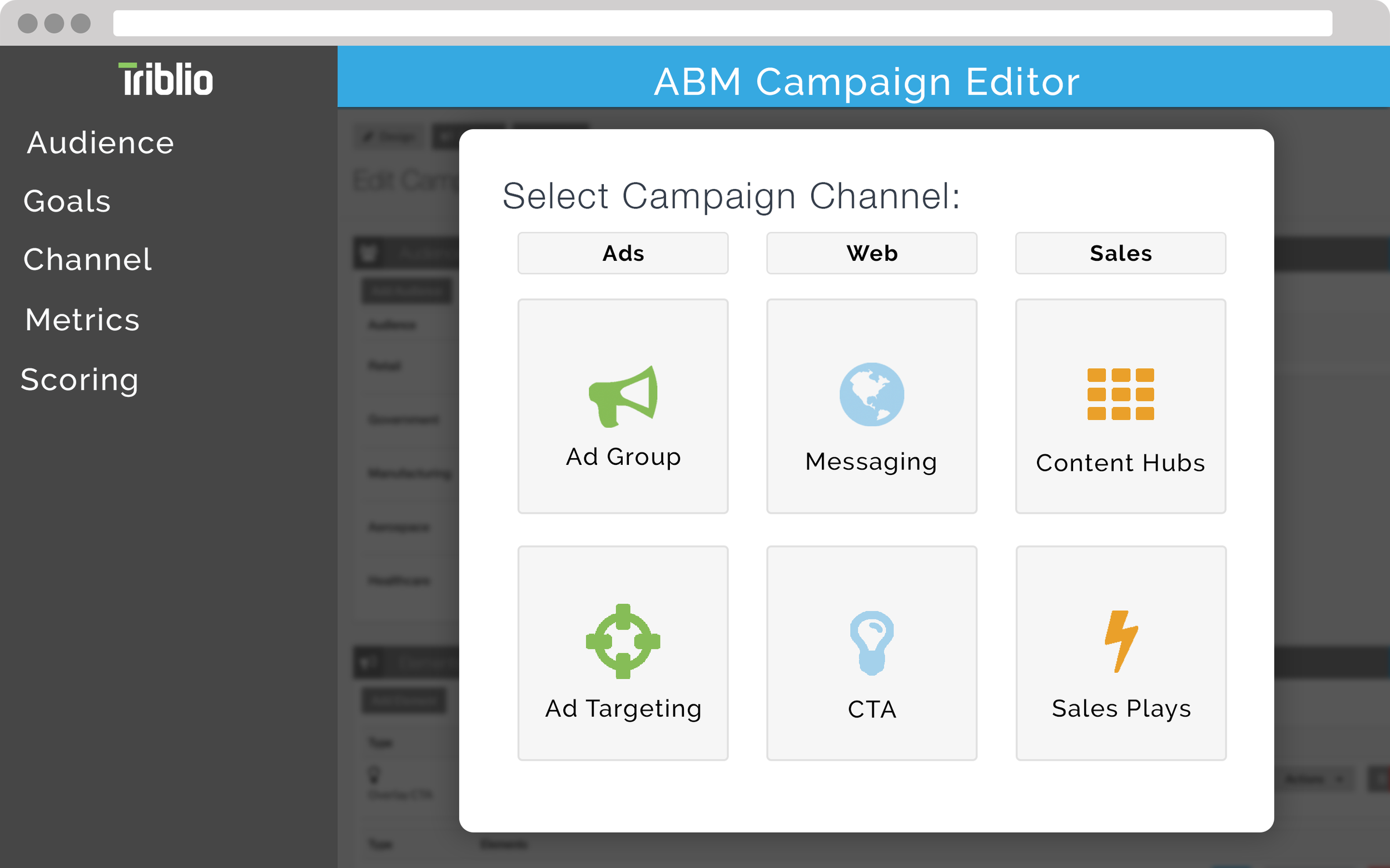
Similar tools using intent data-driven audiences to run ABM:
Zoominfo, Demandbase, 6sense, Triblio
Interview Highlights:
After the interview questions were given and the information was uploaded to Condens, I sorted through the results. A few impactful quotes:
“I struggle to plan my day and know which accounts to focus on...”
“We want to implement ABM, but don’t know where to start.”
“My team has has tried Demandbase in the past, but didn’t have the resources to keep up with the work...”
Insights:
💰 Small teams want to use ABM, but don’t have the budget
👤 Potential users aren’t able to delegate one person to run ABM full-time and need to be able to automate a lot of their process
⏳ Other enterprise tools take too long to implement
🤝 Marketing and sales team need a place to connect and build relationships
Iterations
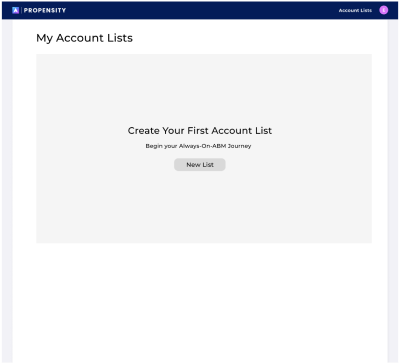
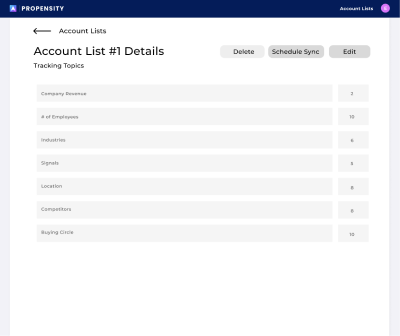
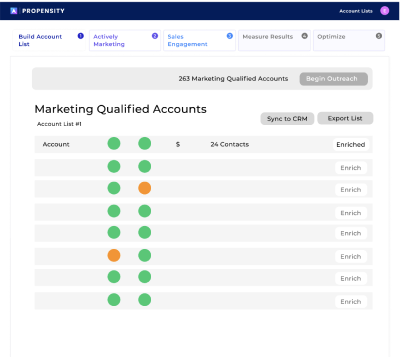
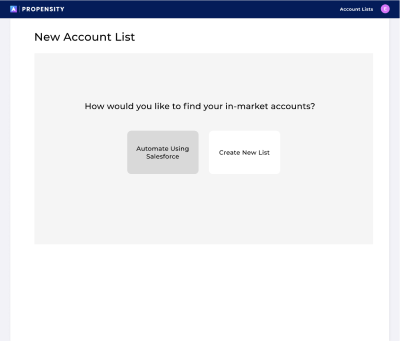
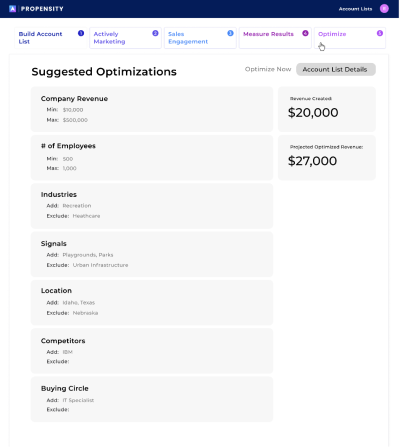
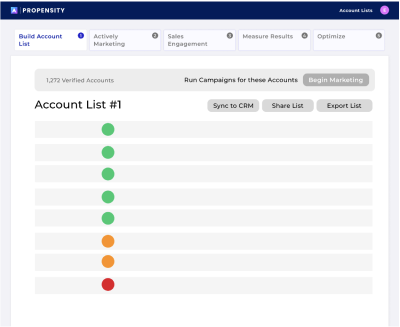
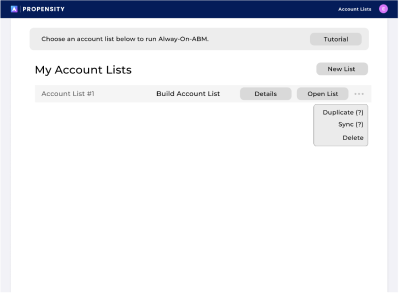
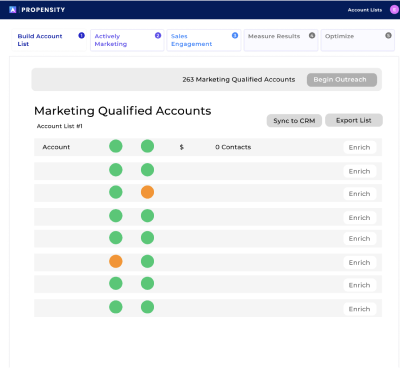
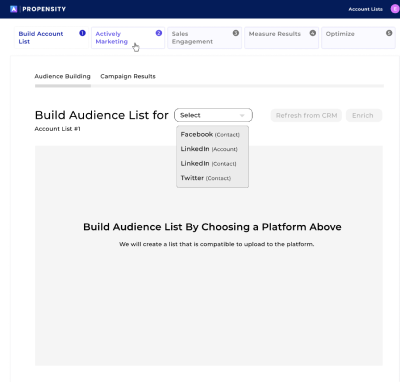
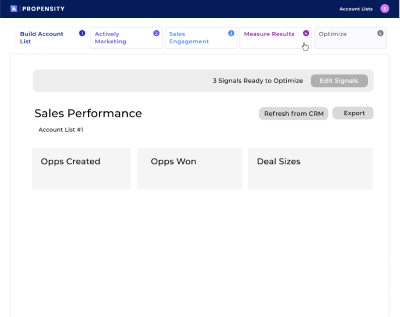
Our first MVP focused on creating intent-driven account lists and buying circles, then sending the results to sales.
This eventually snowballed into a larger product that incorporates the campaign-building and analytics aspect of ABM into our platform — creating an all-in-one ABM tool for small teams to run campaigns.
User-flow diagram:
V1 Low-fidelity:
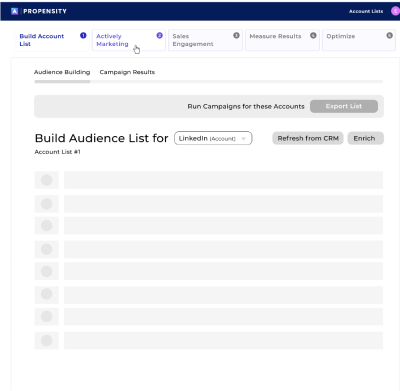
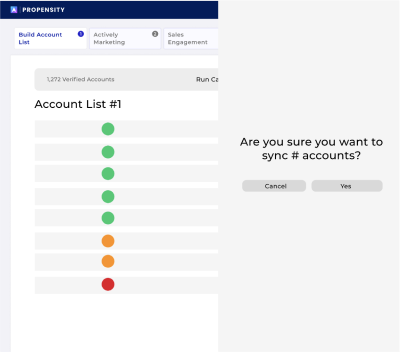
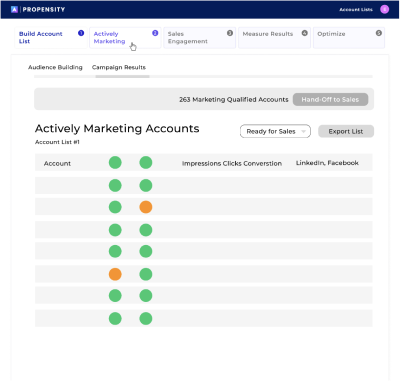
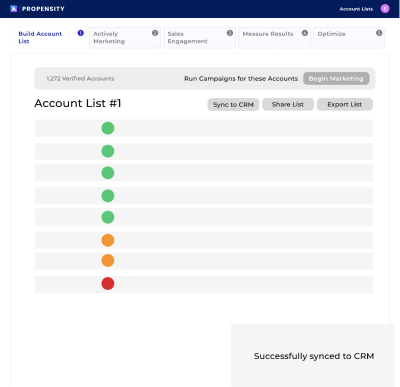

Feature Highlights:
Find in-market accounts using intent data
Sync lists to Salesforce and/or export them to run marketing campaigns
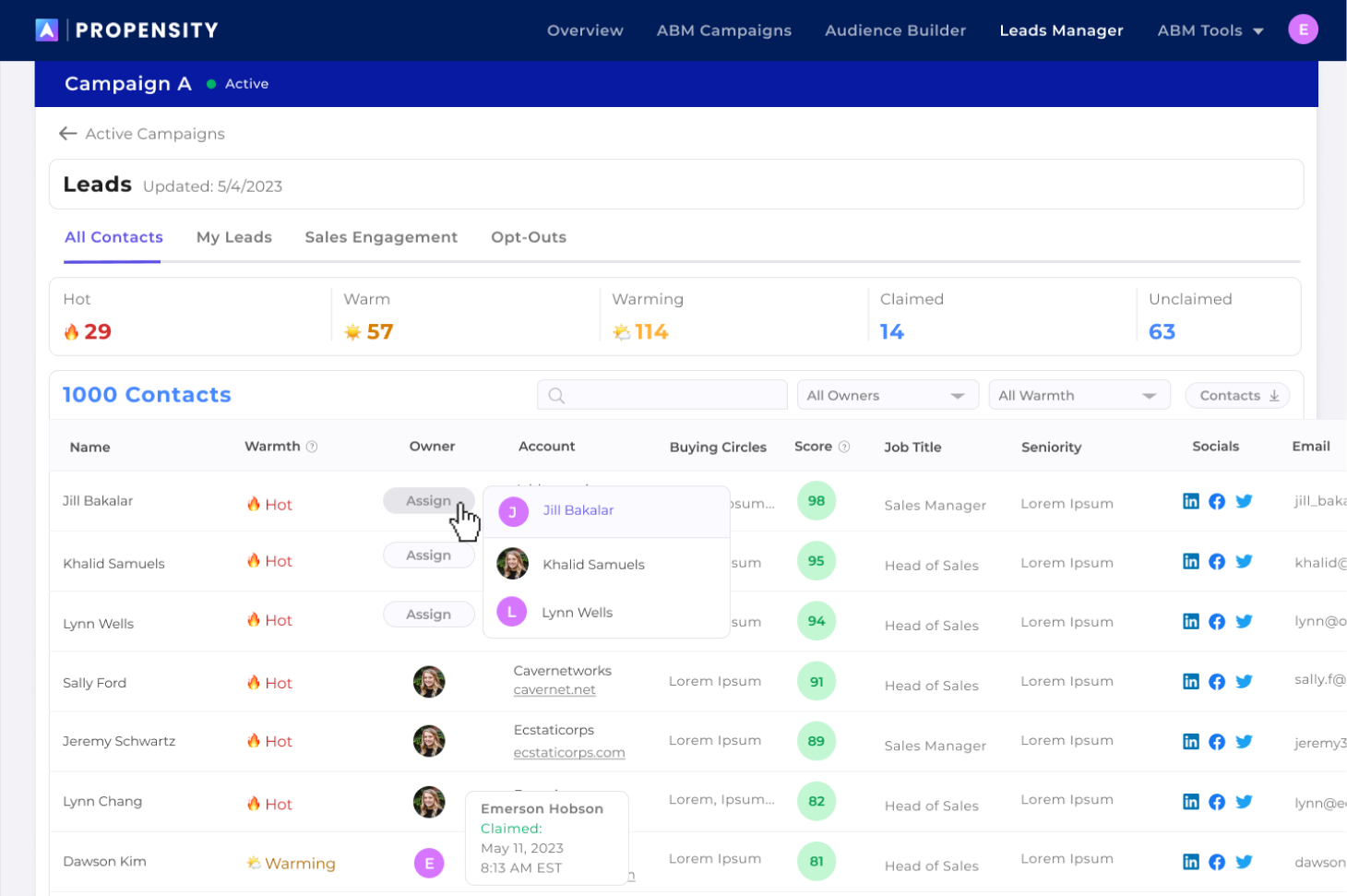
Rank and sort accounts and contacts based on their stage and intent

MVP Prototype
In order to gain high-fidelity feedback on the concept without development, I created a high-fidelity prototype used for testing. We also turned this prototype into a video to show at the HubSpot Inbound conference.
High-Fidelity Feedback Iteration:
Managing A Mature Product with an Iteration Loop
Since the ABM Campaign Builder is the core Propensity product, we have done constant feature improvements and iterations since our first MVP 2 years ago.
Each decision and feature has deserved its own design sprint, feedback loop and iteration process.
Now that my design process has been established, here are some of the ways I have implemented feedback along the way:
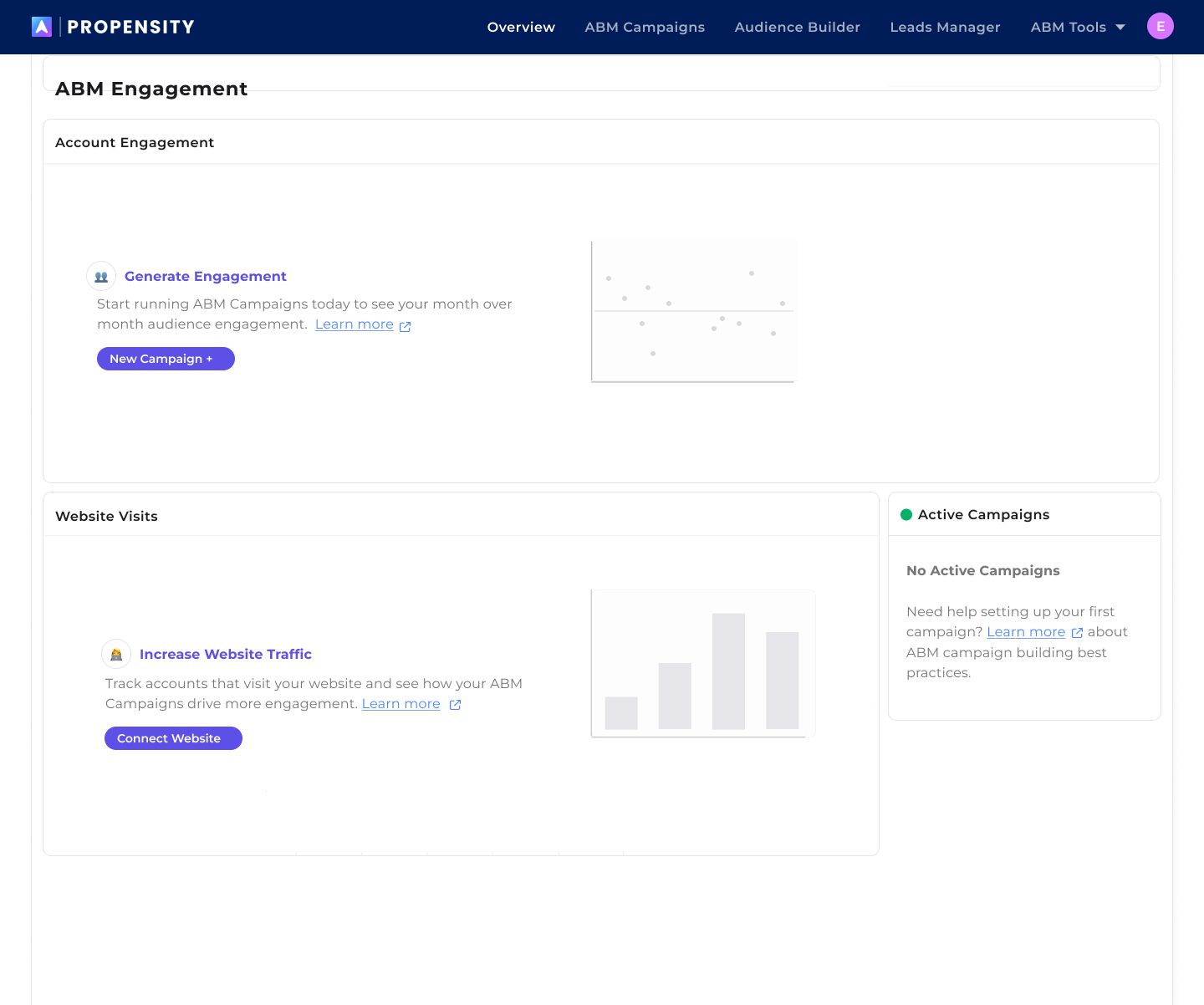
ABM Engagement Dashboard
“I’ve started my ABM Campaign…now what?”
“How do I know that my ABM Campaigns are generating my increase in website visits?”
Problem:
• Users had no action to complete with their analytics and they did not know how to proceed once they launched their ABM campaigns
• Website visit stats gave no action or indication that were an ROI based on marketing campaigns
• Users often tried to click the blue stats because they thought they could drill down further into the data
Solution:
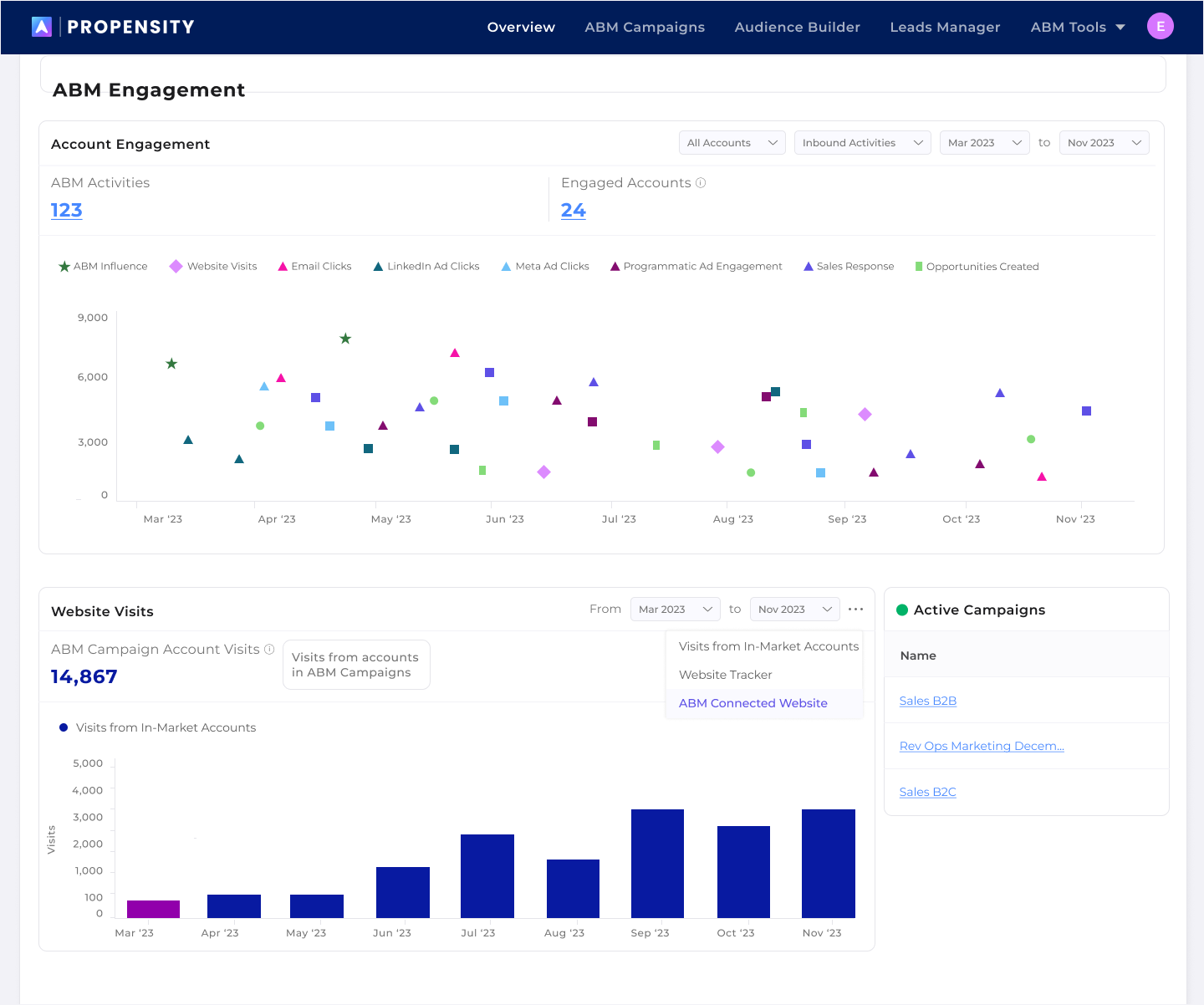
Create an Account Engagement Dashboard with actionable items that prove ROI with their ABM campaigns.
V1.2
➞
V3.1
Changes made based on feedback and iterations:
• The ability to view ABM engagement trends based on channel and type
• Quickly access highly-engaged accounts and add them to campaign or outreach tracks
• Understand how campaign performance affects website visits and access website metrics in one click
• Immediate access to active campaigns
In-Market Account List
“I am not able to narrow down my list to the attributes I am looking for. ”
“This is not worth the time it takes.”
Problem:
• In order to see how many accounts are created, the user has to submit their form and wait at least one minute. This creates a very slow, painful process for creating their ideal audience
• Users are too limited with their filters to create niche audiences
Solution:
Create a side-by-side account list editor.
V1
➞
V3.1
Changes made based on feedback and iterations:
• Advanced customization: Based on our research, we added additional advanced filtering for the users that want to get more niche in their audience-building.
• Side-by-Side Editor: Now users can view their audience list while editing their filters. By analyzing the results in their table, the top stats and number of contacts, they can determine if the data matches their ICP. If they are not satisfied with the results, now they can make real-time updates without leaving the editor.
• Real-time updates: In order to be able to edit real-time without performance issues, we added an update button and pagination to the list. With the feedback from our users, we knew which fields were most important to show in the editable list.
• Improved filtering experience: Instead of having to click a dropdown or add a comma between inputs, we built a multi-select pill functionality as well as a filterable and searchable checklist for intent topics.

Results
Since the launch of the new platform, the customer base 4x in 2 years.
Looking Forward
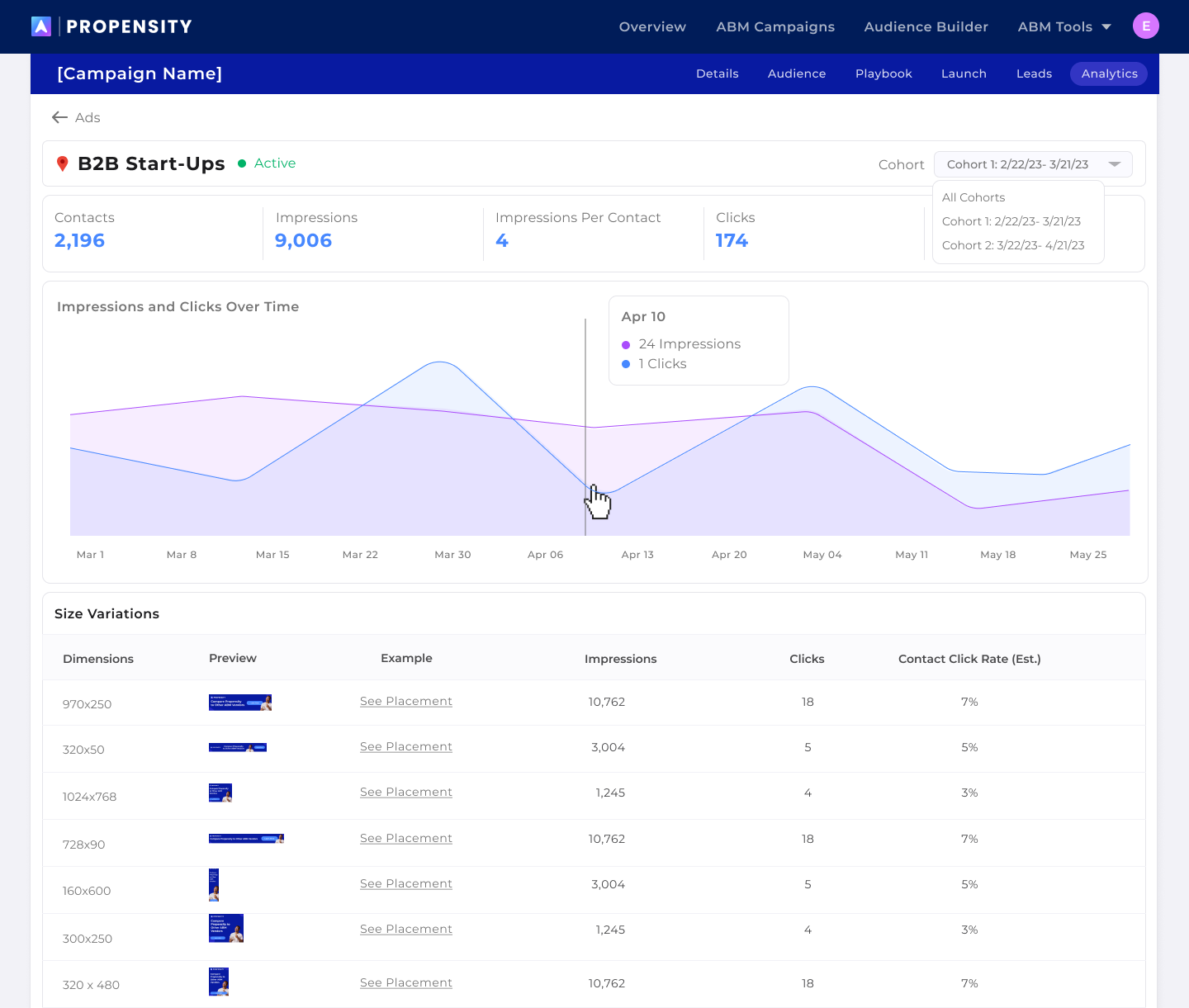
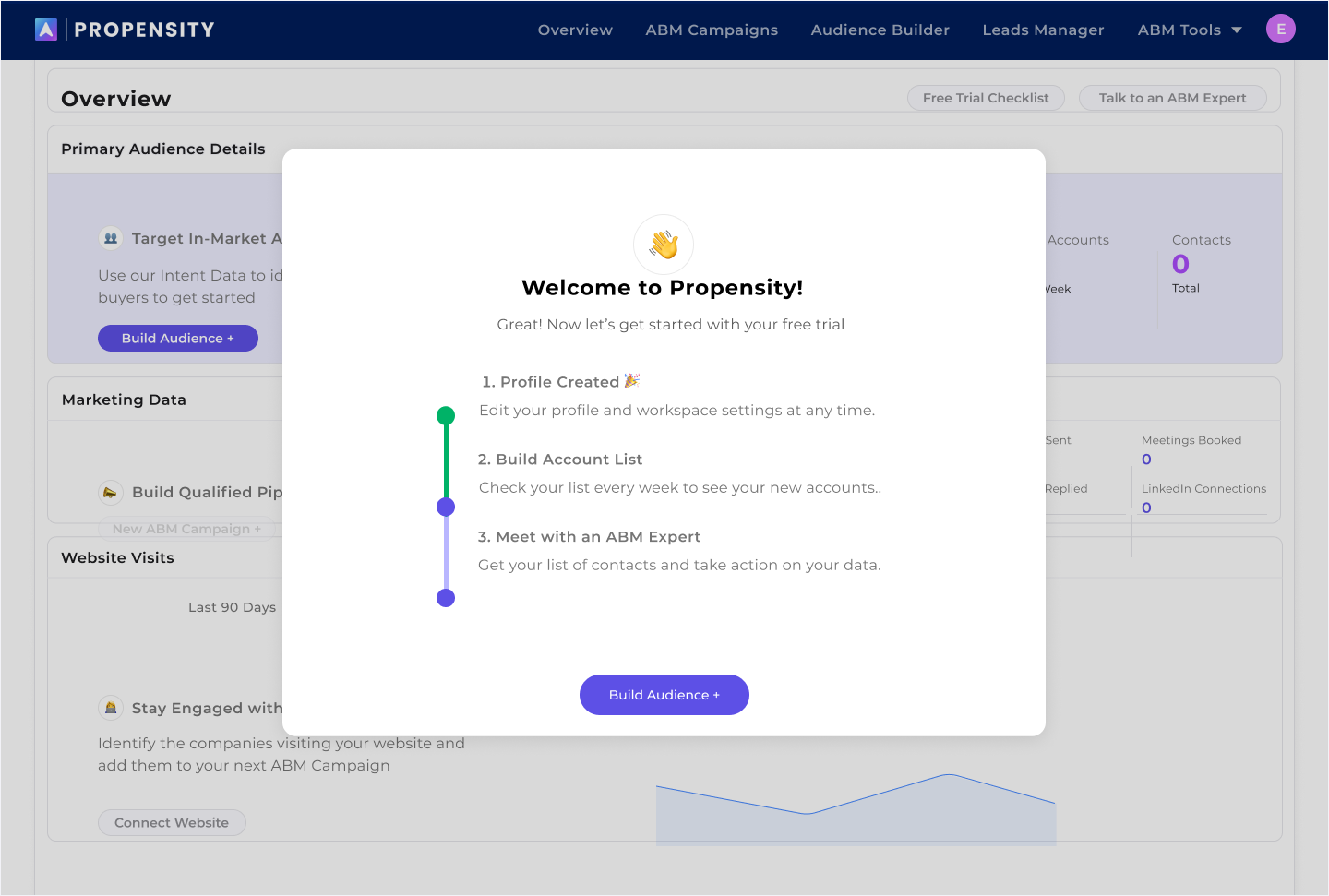
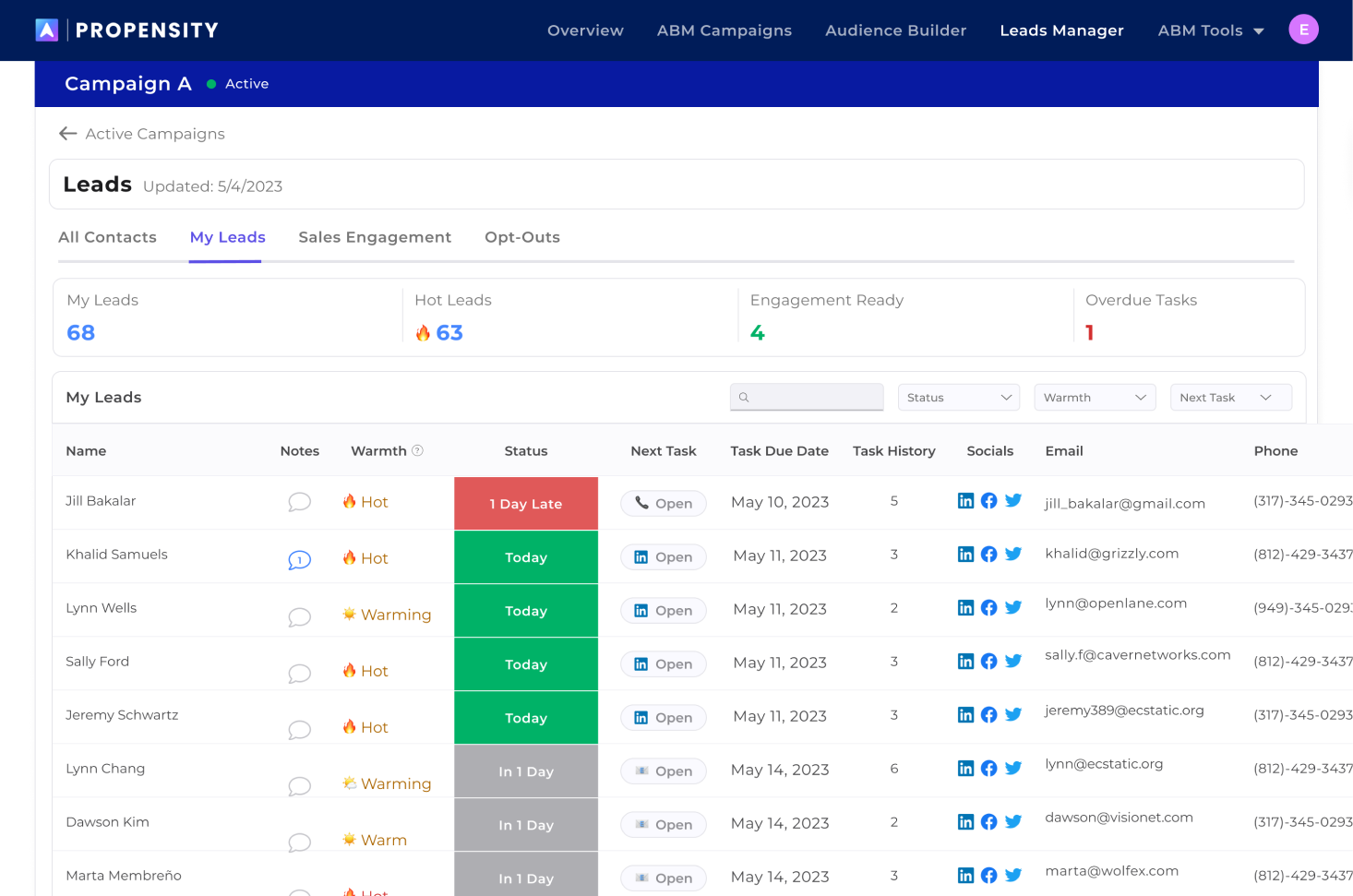
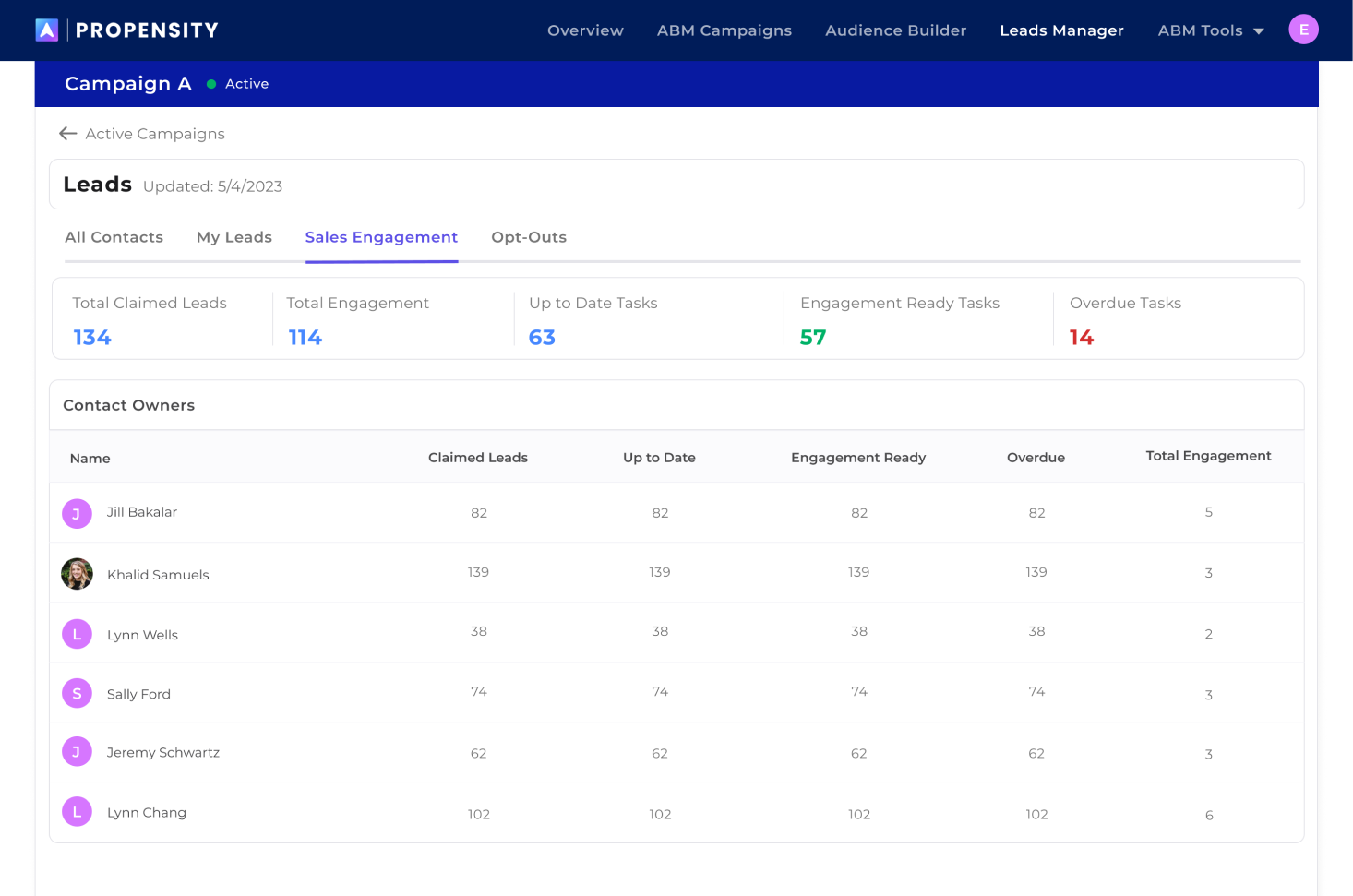
After this build at Propensity, I helped integrate LinkedIn, Facebook, marketing emails automations, programmatic ads (including HTML5), website tracking and much more. As the product has continued to mature, we continue to listen to user feedback and add more value to our platform.
I think if I was able to start this process over again, I’d stress the importance of audience-creation during the campaign-building process of the product. Because we built on top of the audience-building MVP, it feels more siloed from the rest of the product, when users should be able to upload their own accounts and contacts or create an audience from scratch while in the middle of building the campaign.